 Matan Kushner
19 KiB









Warning
The default branch has been renamed from
mastertomain. If you have a local clone, update it by running:git branch -m master main git fetch origin git branch -u origin/main main git remote set-head origin -a
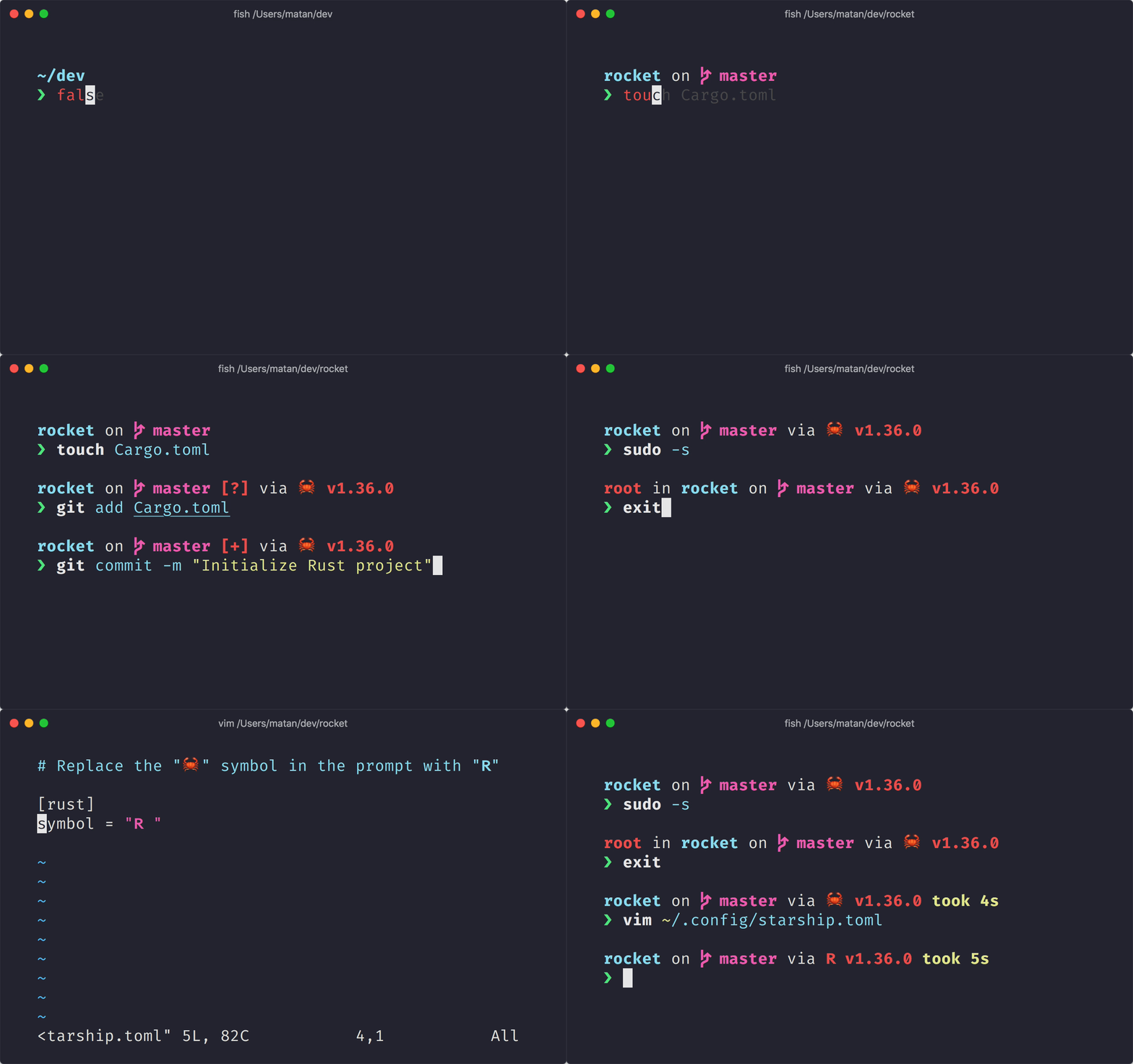
아무 셸에나 적용할 수 있는 간결하고, 매우 빠르며, 무한히 커스텀 가능한 프롬프트입니다!
- ** 빠름:** 빠릅니다. – 정말 빠릅니다. 🚀
- ** 커스텀 가능:** 프롬프트의 모든 부분을 커스텀 할 수 있습니다.
- 범용적: 어떤 셸 위에서도, 어떤 운영체제 위에서도 동작합니다.
- 지능적: 관련 정보를 한눈에 보여줍니다.
- 다기능: 원하는 모든 도구를 지원합니다.
- 쉬움: 빠른 설치 - 몇 분만 투자하면 바로 사용할 수 있습니다.
🚀 설치
준비 사항
- 터미널에 Nerd Font가 설치되어 있고 사용 가능해야 합니다. (ex. FiraCode Nerd Font)
1단계. Starship 설치하기
아래의 목록 중 해당하는 운영체제를 골라 설치 지침을 확인하세요:
Android
다음 패키지 관리자 중 하나를 사용해 Starship 을 설치하세요:
| 리포지토리 | 설명 |
|---|---|
| Termux | pkg install starship |
BSD
다음 패키지 관리자 중 하나를 사용해 Starship 을 설치하세요:
| 배포판 | 리포지토리 | 설명 |
|---|---|---|
| 전체 | crates.io | cargo install starship --locked |
| FreeBSD | FreshPorts | pkg install starship |
| NetBSD | 설명 | pkgin install starship |
Linux
사용중인 시스템에서 최신버전을 설치해주세요.
curl -sS https://starship.rs/install.sh | sh
다음의 패키지 관리자를 사용해서 Starship을 설치할 수도 있습니다.
| 배포판 | 리포지토리 | 설명 |
|---|---|---|
| 전체 | 설명 | cargo install starship --locked |
| 전체 | conda-forge | conda install -c conda-forge starship |
| 전체 | Linuxbrew | brew install starship |
| Alpine Linux 3.13+ | Alpine Linux 패키지 | apk add starship |
| Arch Linux | Arch Linux Extra | pacman -S starship |
| CentOS 7+ | Copr | dnf copr enable atim/starship dnf install starship |
| Debian 13+ | 설명 | apt install starship |
| Fedora 40+ | Copr | dnf copr enable atim/starship dnf install starship |
| Gentoo | 준비 사항 | emerge app-shells/starship |
| Manjaro | pacman -S starship |
|
| NixOS | nixpkgs | nix-env -iA nixpkgs.starship |
| openSUSE | OSS | zypper in starship |
| Ubuntu 25.04+ | 설명 | apt install starship |
| Void Linux | Void Linux Packages | xbps-install -S starship |
macOS
사용중인 시스템에서 최신버전을 설치해주세요.
curl -sS https://starship.rs/install.sh | sh
다음의 패키지 관리자를 사용해서 Starship을 설치할 수도 있습니다.
| 리포지토리 | 설명 |
|---|---|
| crates.io | cargo install starship --locked |
| conda-forge | conda install -c conda-forge starship |
| Homebrew | brew install starship |
| 설명 | port install starship |
Windows
releases 섹션에서 MSI 인스톨러를 받아 실행하여 시스템에 맞는 최신 버전을 설치하세요.
다음 패키지 관리자 중 하나를 사용해 Starship 을 설치하세요:
| 리포지토리 | 설명 |
|---|---|
| crates.io | cargo install starship --locked |
| Chocolatey | choco install starship |
| 📝라이선스 | conda install -c conda-forge starship |
| Scoop | scoop install starship |
| winget | winget install --id Starship.Starship |
2단계. 셸에 Starship 적용하기
Starship 적용을 위해 셸을 구성해야 합니다. 아래의 리스트 중에 해당하는 것을 고르세요:
Bash
~/.bashrc의 끝부분에 아래 라인을 추가:
eval "$(starship init bash)"
Cmd
Cmd를 이용하려면 Clink (v1.2.30+) 를 사용해야 합니다.
%LocalAppData%\clink\starship.lua 경로에 파일을 만들고 아래 내용으로 채우세요:
load(io.popen('starship init cmd'):read("*a"))()
Elvish
Add the following to the end of ~/.config/elvish/rc.elv (%AppData%\elvish\rc.elv on Windows):
eval (starship init elvish)
Note: Only Elvish v0.18+ is supported. For elvish versions prior to v0.21.0 the config file might instead be ~/.elvish/rc.elv
Fish
~/.config/fish/config.fish의 끝부분에 아래 라인을 추가:
starship init fish | source
Ion
~/.config/ion/initrc 의 끝부분에 아래 라인을 추가:
eval $(starship init ion)
Nushell
Add the following to the end of your Nushell configuration (find it by running $nu.config-path in Nushell):
mkdir ($nu.data-dir | path join "vendor/autoload")
starship init nu | save -f ($nu.data-dir | path join "vendor/autoload/starship.nu")
알림: Nushell v0.96 버전 이상에서만 지원됩니다.
Powershell
다음 내용을 PowerShell 설정파일 (찾으려면 $PROFILE 실행) 마지막 부분에 추가하세요:
Invoke-Expression (&starship init powershell)
Tcsh
~/.tcshrc 의 끝부분에 아래 라인을 추가:
eval `starship init tcsh`
Xonsh
~/.xonshrc 의 끝부분에 아래 라인을 추가:
execx($(starship init xonsh))
Zsh
~/.zshrc의 끝부분에 아래 라인을 추가
eval "$(starship init zsh)"
3단계. Starship 설정하기
새로운 쉘 인스턴스를 시작하면 아름다운 새 쉘 프롬프트를 볼 수 있습니다. 기본 설정에 만족한다면, 즐기세요!
Starship을 추가로 커스터마이징 하고싶다면:
-
Configuration – 원하는대로 프롬프트를 수정할 수 있도록 Starship 설정을 배울 수 있습니다.
-
Presets – 다른 사람들이 만들어둔 설정들을 보고 영감을 받을 수 있습니다.
🤝 기여하기
우리는 언제나 기술 수준에 관계없이 기여자를 찾고 있습니다! If you're looking to ease your way into the project, try out a good first issue.
영어 이외의 언어에 유창하시다면, 저희 문서를 다른 언어로 최신화하는 데 도움을 주시면 대단히 감사하겠습니다. 번역에 도움을 주고자 한다면, Starship Crowdin 에서 기여할 수 있습니다.
Starship에 기여하는데 관심이 있으시다면, 기여 가이드를 읽어주세요. 그리고 부담갖지 말고 Discord 서버 에 들러 인사 한 마디 남겨보세요 👋 👋
💭 영감받은 곳
Starship 을 만드는 데에 영감이 되었던 이전 작업들도 살펴보세요. 🙏
-
denysdovhan/spaceship-prompt – 우주 비행사를 위한 ZSH 프롬프트.
-
denysdovhan/robbyrussell-node – JavaScript로 작성된 크로스-쉘 robbyrussell 테마.
-
reujab/silver – 아이콘이 있는 커스텀 가능한 powerline 계열 크로스-쉘 프롬프트.
❤️ 스폰서
이 프로젝트를 후원하여 프로젝트를 지원해 주세요. 여러분의 웹사이트로 이동하는 링크가 걸린 이름 혹은 로고가 여기에 걸립니다.
🔒 Code Signing Policy
Free code signing provided by SignPath.io, certificate by SignPath Foundation.
Code Signing Roles:
- Reviewers: Astronauts
- Approvers and Authors: Mission Control
This program will not transfer any information to other networked systems unless specifically requested by the user or the person installing or operating it.

📝라이선스
Copyright © 2019-present, Starship Contributors.
이 프로젝트는 ISC 라이선스입니다.